One human video.
Any robot.
DXTR turns a phone recording of a person doing a task into motion trajectories a robot can execute — recovered as the task's object motion, then re-solved for each robot body.
- Human videoone phone recording of the task
- Object trajectorythe path the object took — the real task
- Any roboteach body picks its own grasp to reproduce it
One demonstration becomes the object's motion. Then every robot — a two-finger gripper, a humanoid hand, a mobile base — re-solves its own way to move the object along that same path.
From a phone to any arm, in three moves
A collector records the task once. Everything downstream works from the geometry of what happened, not from a specific pair of hands.
Capture
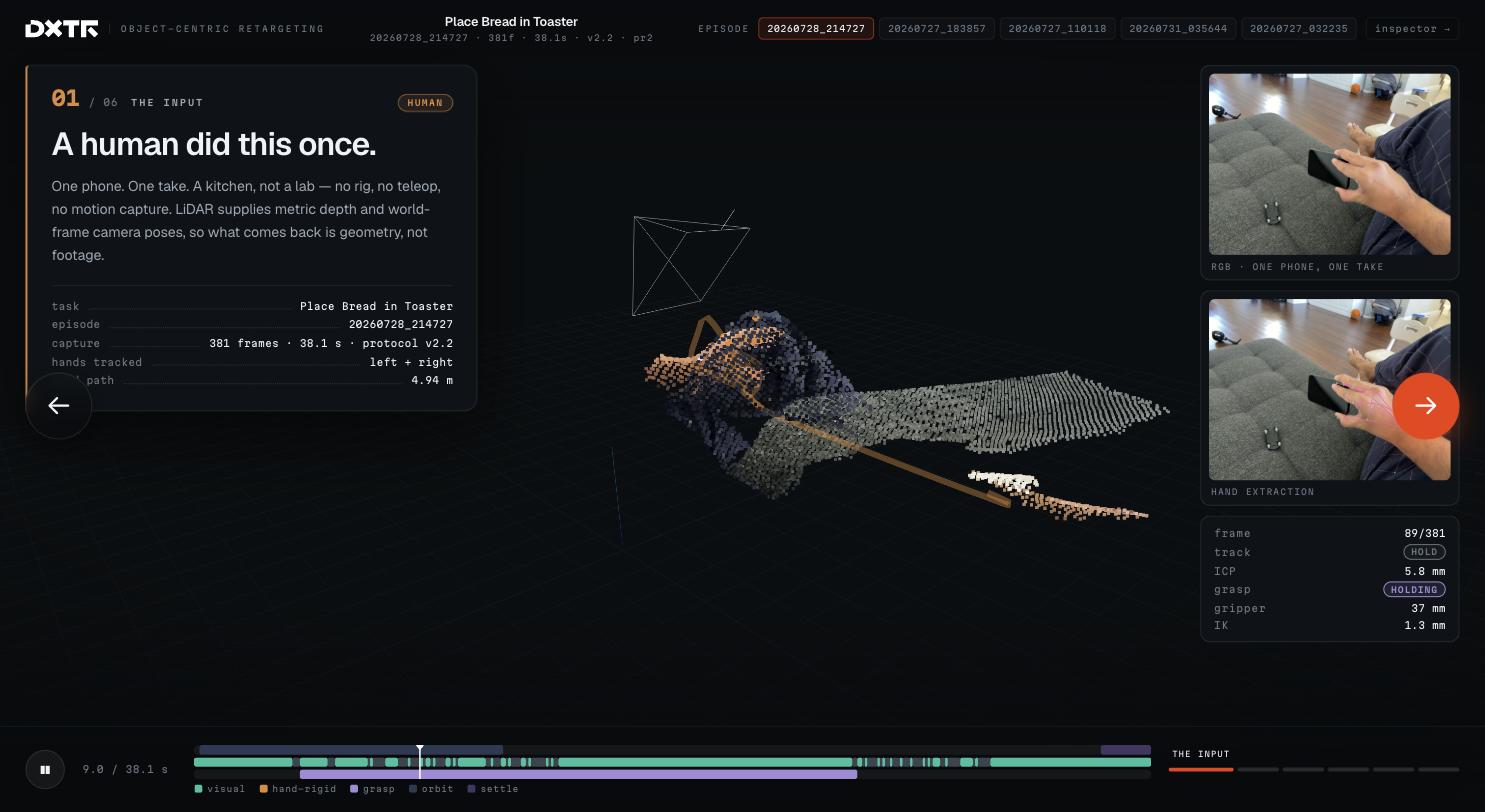
Eye records RGB video, per-frame LiDAR depth and ARKit camera pose while a person does the task, eyes-free.
rgb 1920×1440 · lidar depth · arkit poses
Object trajectory
We recover the object's 3D path through the task — the goal to reproduce — with grasp points and, where it applies, the articulation it moves through.
se(3) track · grasp · articulation fit
Retarget
Each robot re-solves its own grasp and joint motion to induce that object trajectory — inverse kinematics per embodiment, not a copied hand.
per-robot ik · feasibility · export
Why object-centric
The naive approachCopying the hand doesn't survive a change of body
A human hand has five fingers and a reach and wrist a robot doesn't share. Replay those joint angles on a two-finger gripper or a short-reach arm and it grasps air, over-extends, or has to be silently rescaled until the demonstration no longer means what it did. The failure isn't noise; it's that the wrong thing was recorded as the goal.
The contractThe object's trajectory is what has to transfer
What the task actually requires is that the object move along a certain path — the mug lifts, the drawer opens, the towel folds. That trajectory is body-agnostic: it's the same whether a Franka, a UR5e or a humanoid produces it. Store the object motion as the goal (with tolerance), and each robot is free to find its own way to satisfy it. Gripper width comes from the object's geometry at the grasp, not from mapping fingers.
What's real today
The full collection loop — push, accept, eyes-free capture, upload, automatic scoring, review, approve, credit — runs end to end in production, on a real phone. We retarget across five robot embodiments and verify every result in physics simulation. Object-centric grasping, articulation, and bimanual/mobile-base support are the core we're building on top.
How DXTR works, end to end
A task goes out to the fleet, a person records it on a phone, and the platform turns that one take into verified, robot-ready motion — with dashboards running the whole operation alongside.
Define & broadcast
A customer describes a manipulation task in the portal — optionally AI-drafted — and broadcasts it to approved collectors.
Record on a phone
The collector gets a push, accepts, mounts the phone, and records the scene eyes-free. The take uploads on its own — resumable, over Wi-Fi.
Score, retarget, verify
Automatic quality scoring, then object-centric retargeting to each robot, then a physics-simulation check that the object actually followed its path.
Visualize or pull via API
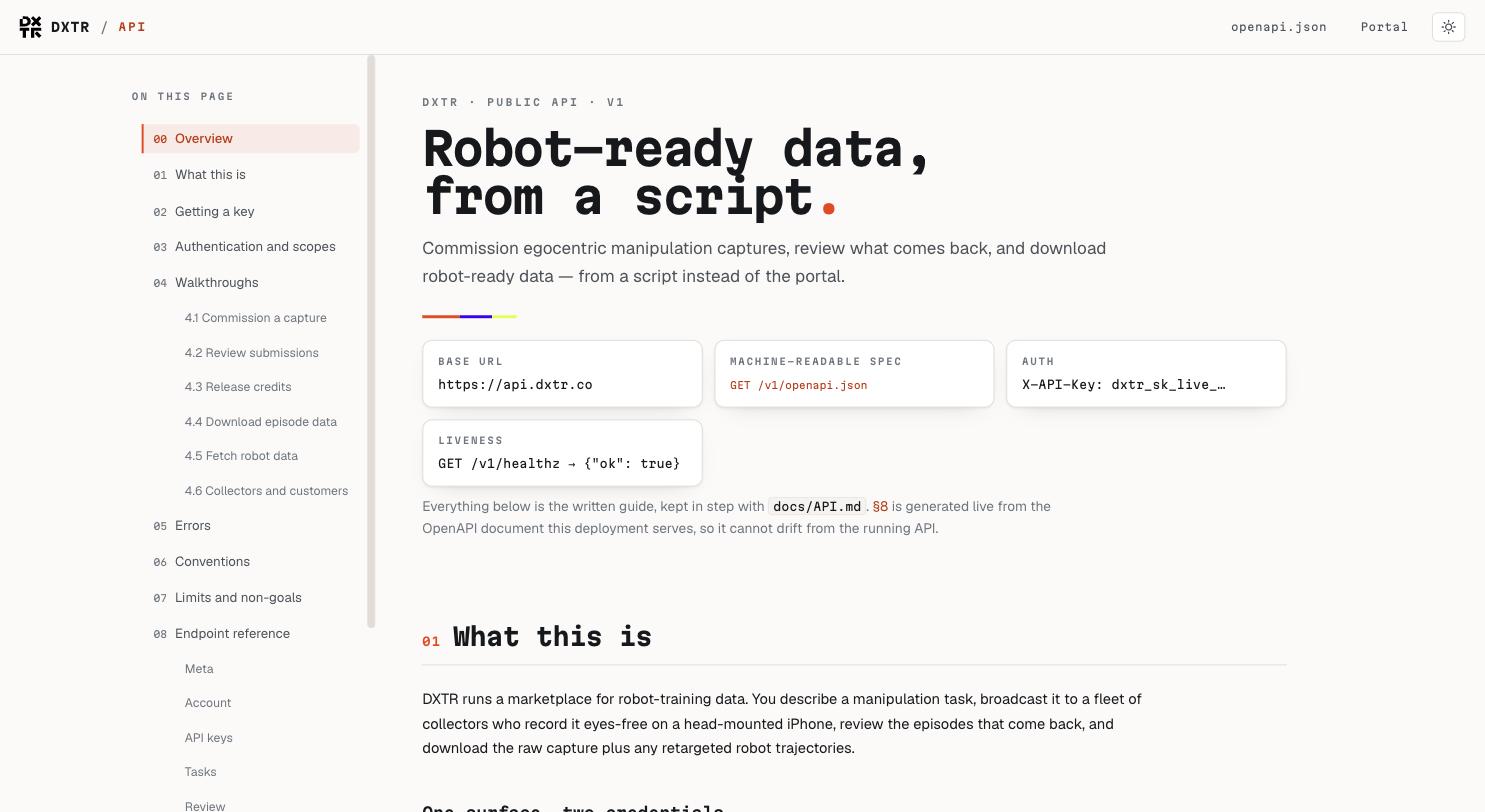
Play the retargeted motion back in the 3D viewer, or pull the raw capture and robot-ready trajectories through the keyed public API.
Already collecting. Already retargeting.
The full loop runs in production today. Collectors record tasks eyes-free on a phone, episodes come back automatically scored, customers review and approve, and the data ships robot-ready — with a 3D viewer that plays the retargeted motion back on every robot. A keyed public API drives all of it from a script.
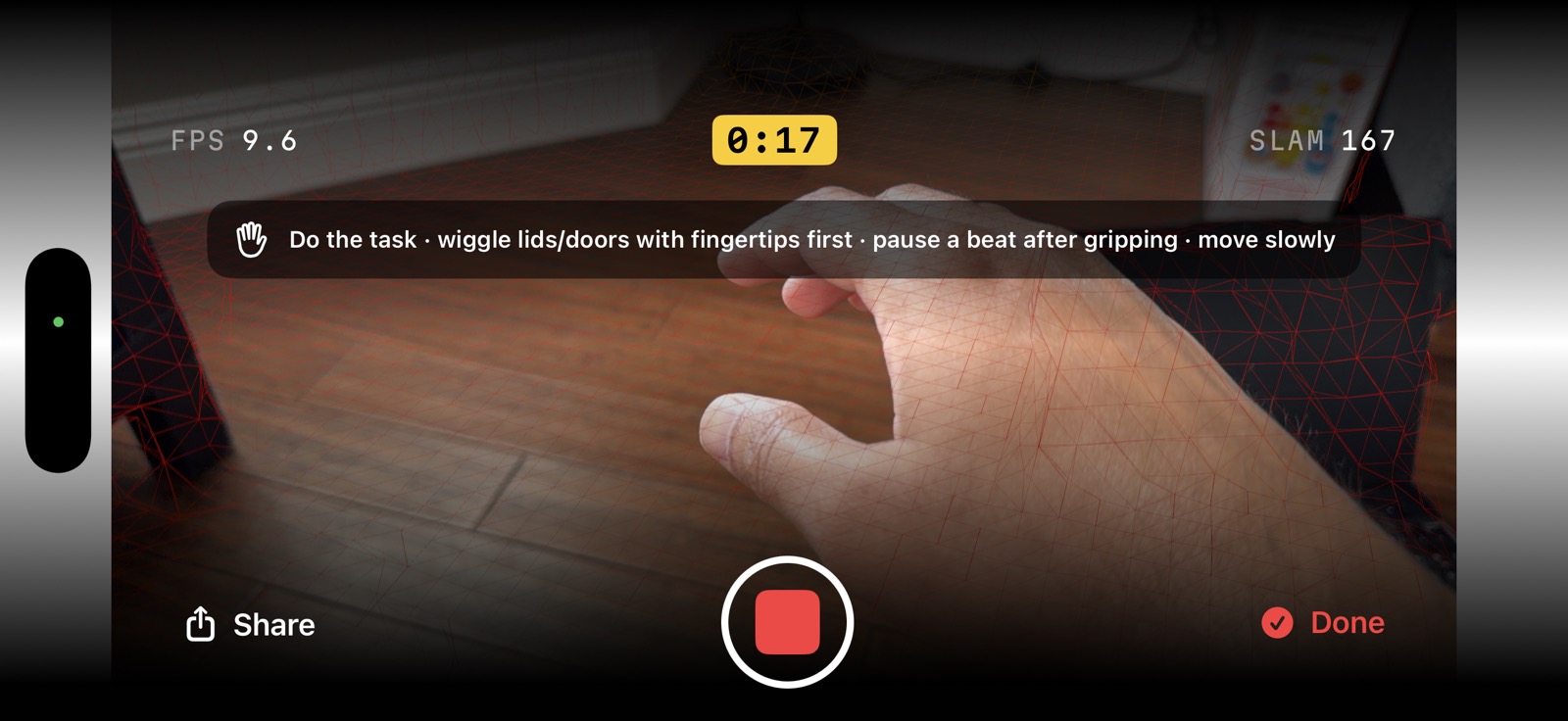
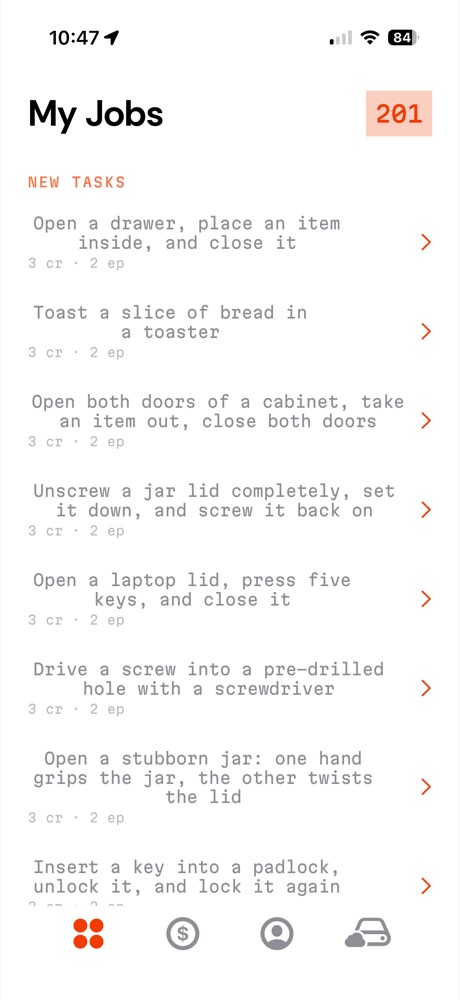
tasks pushed to the fleet
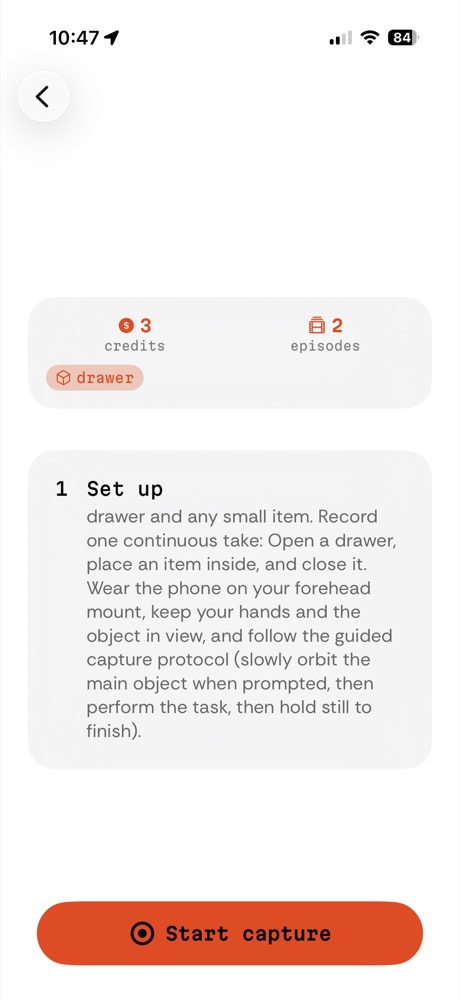
and set up the capture
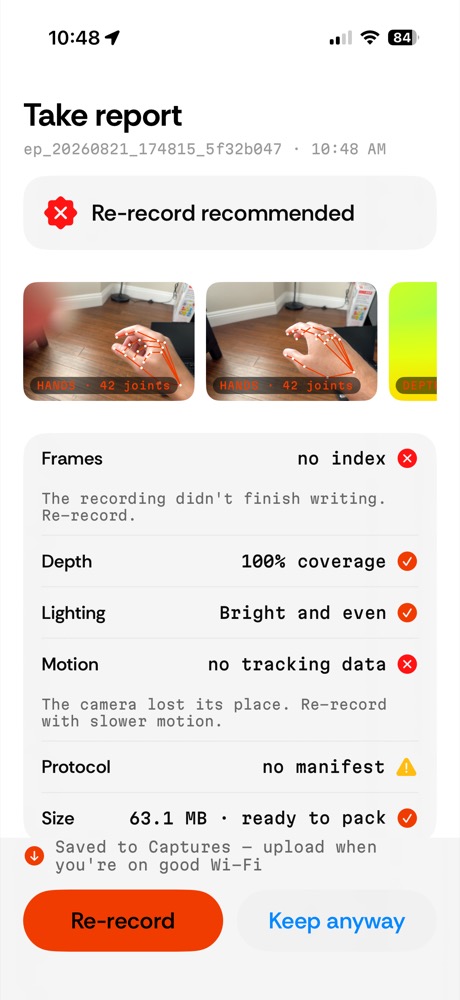
instant on-device quality
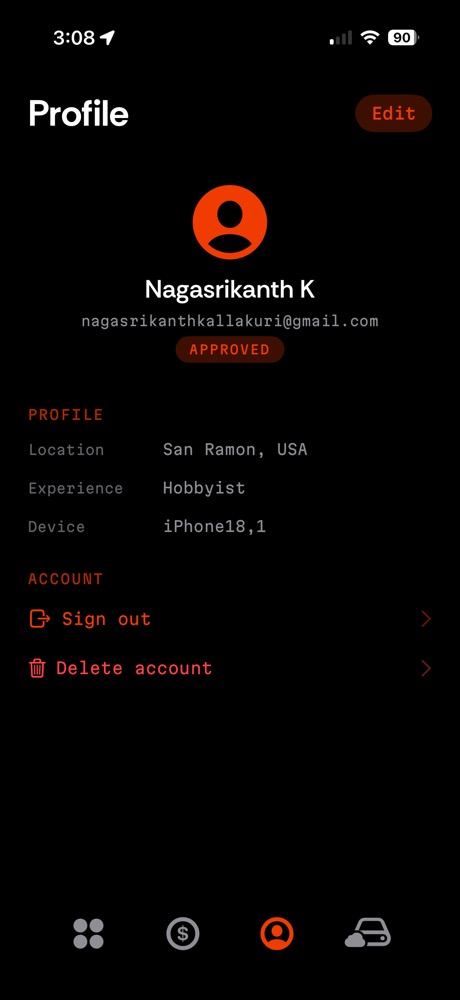
profile & credits
Two ways to work with DXTR
Record with the Eye app
Mount an iPhone at eye level, accept a task, and record hands-free — audio coaching and simple hand gestures run each take, so you never touch the screen mid-demonstration. Approved takes earn credits.
- Eyes-free, forehead-mounted capture
- Automatic quality scoring on every take
- Built-in practice task, no invite needed
Requires an iPhone Pro / Pro Max with LiDAR.
License the pipeline or the datasets
For robotics labs and data teams: retargeted trajectories for your embodiment, or the pipeline that produces them from human video. Tell us the robot and the tasks and we'll scope a capture.
- Trajectories exported per embodiment
- Pseudonymous — no collector identity in datasets
- Object-goal representation, not raw hand replay
Email the team — srikanth@dxtr.co